Joovii Shipping is available as a carrier on all Joovii apps at no additional cost. It does not require any upgrade or impact your carrier count.
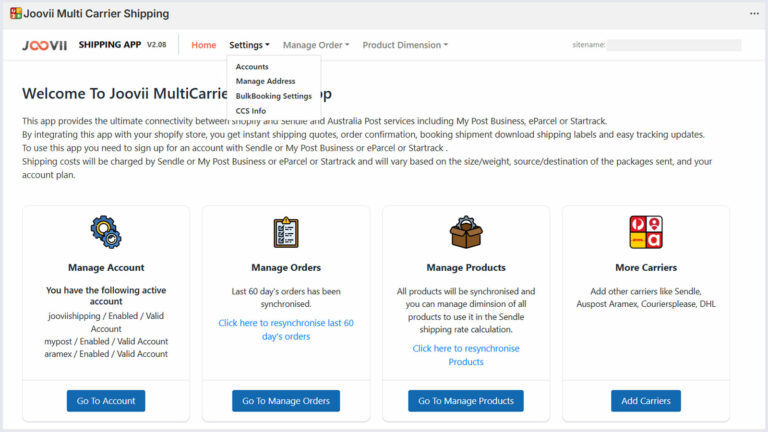
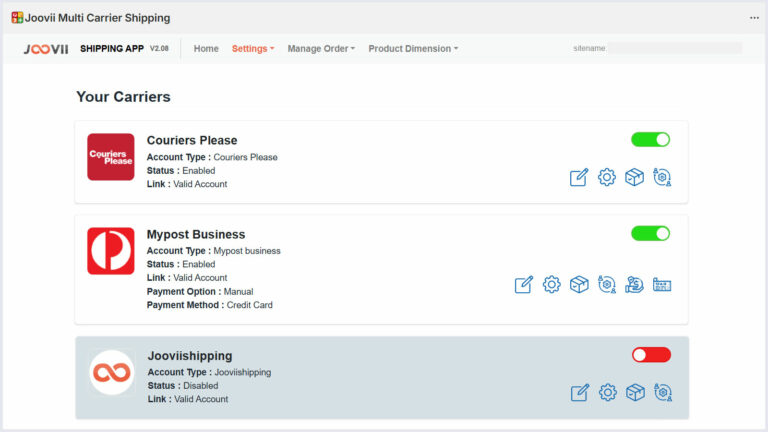
To enable Joovii Shipping go to Manage Accounts on the app home or Settings > Accounts in the app menu.
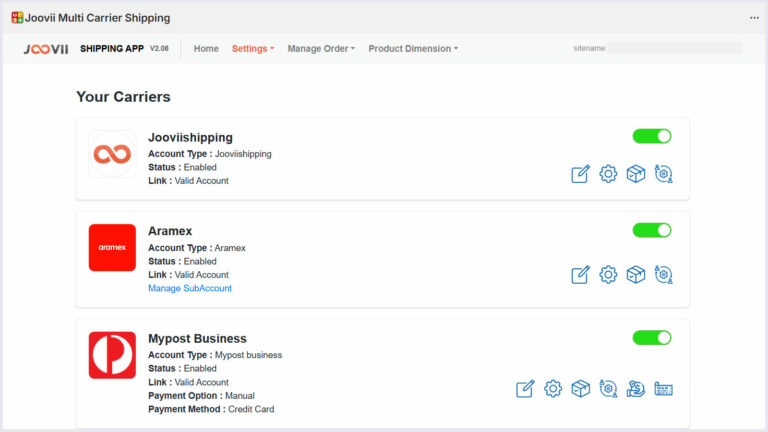
There you will see Joovii Shipping in the list and can press the Red Toggle to switch it to Green.
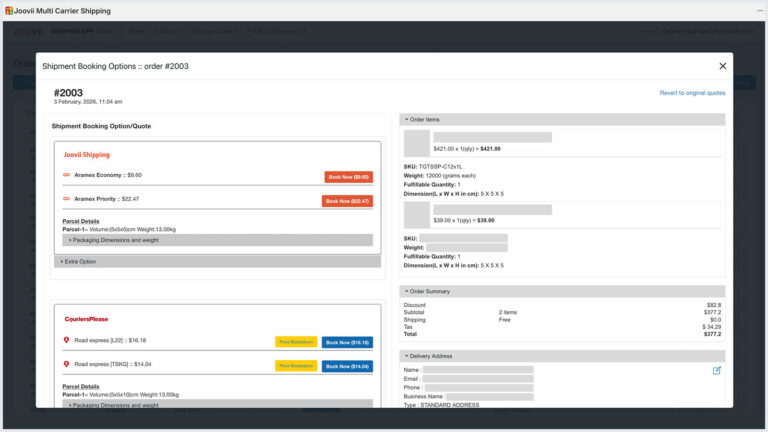
Once enabled you will now see quotes in your View Booking Page and if CCS is enabled are also able to turn on live quotes from Joovii Shipping at Checkout.
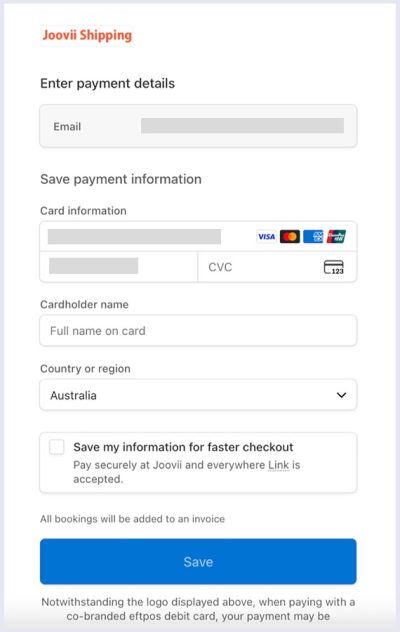
There is no account signup required, on pressing Book Now for your first order, a page will show to request entry of payment details such as credit card. These will be held by our payment provider and invoiced weekly.
Joovii Shipping Replaces Sendle
Receive up to 50% off Courier rates when booking with Joovii Shipping.
Joovii has negotiated amazing discounted rates with the major carriers and made them available to all merchants regardless of spend. There’s no need to sign up for any account, or add API keys, just switch on Joovii Shipping to see the quotes and start shipping.
To see the new prices:Go to Settings > Accounts ->
Turn on Joovii Shipping ->
View an Order and Quote ->
Book a Shipment