
eParcel Manifest
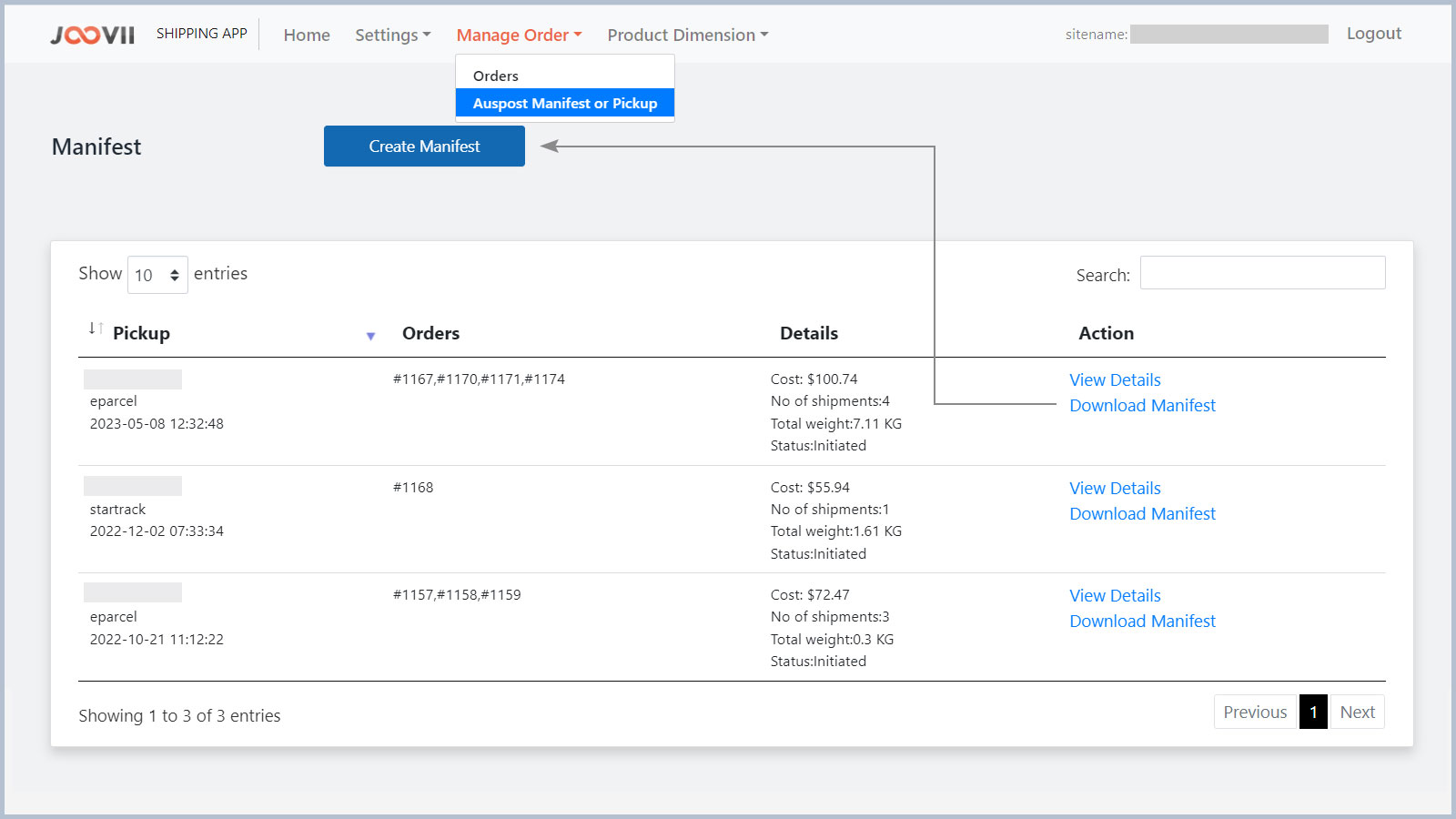
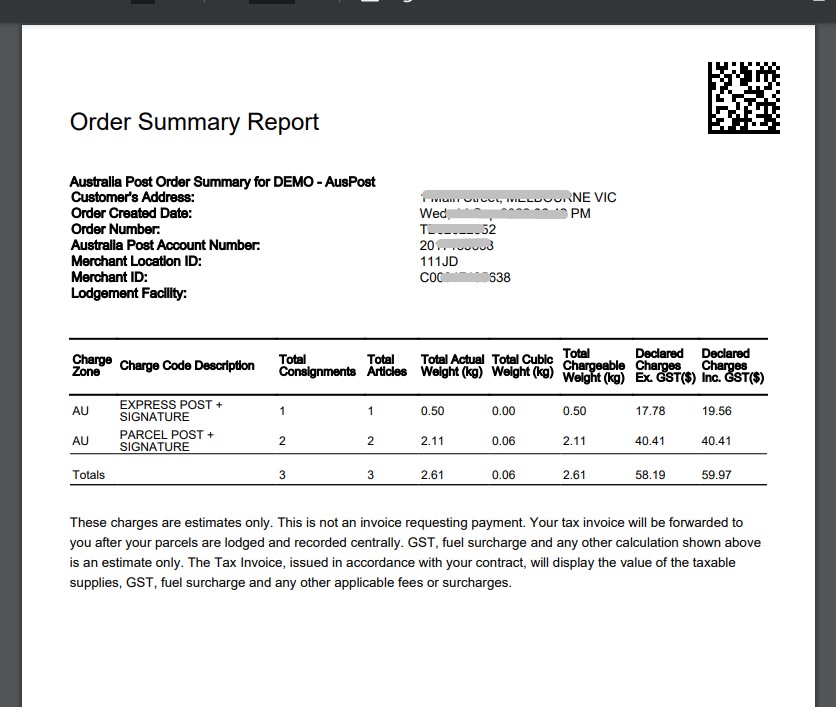
For eParcel and startrack account you can create manifest or order summary from the shipment you booked recently. You can’t assign any shipment to a manifest which has already been assigned to another manifest. In each shopify order of our app you can see a create manifest link and in the top-menu (under manage order) of our app you can see a link to manage manifest.
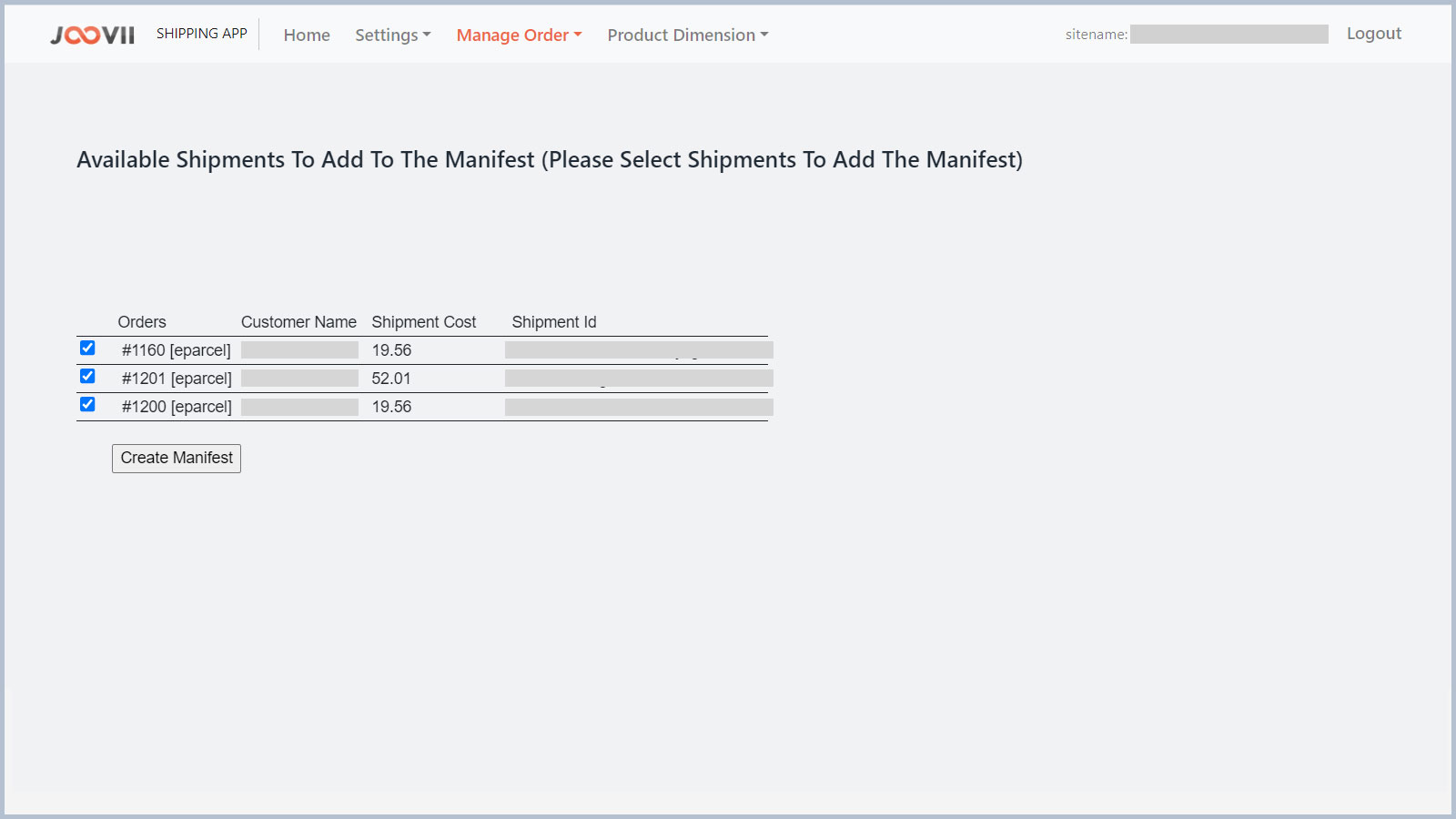
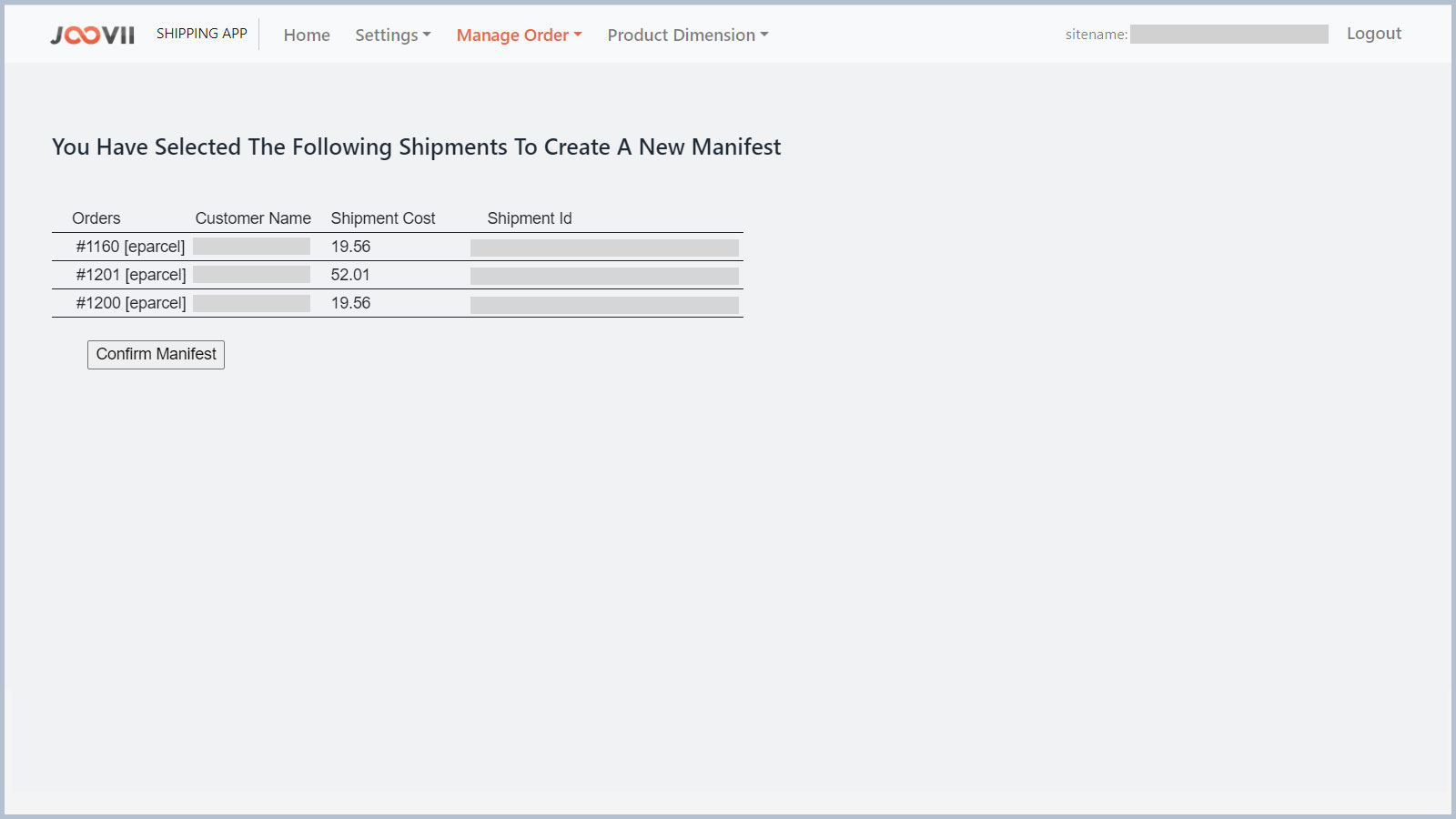
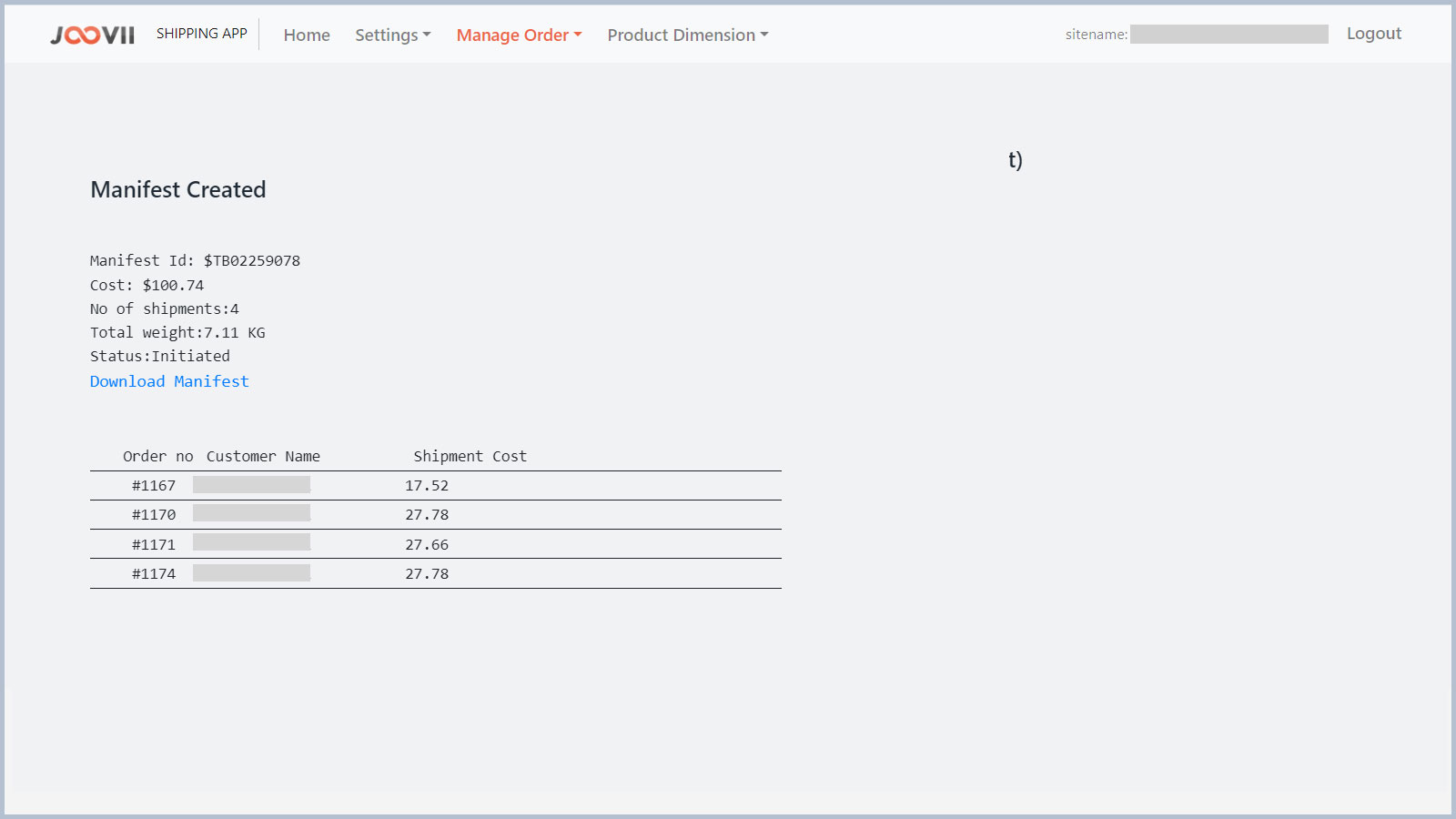
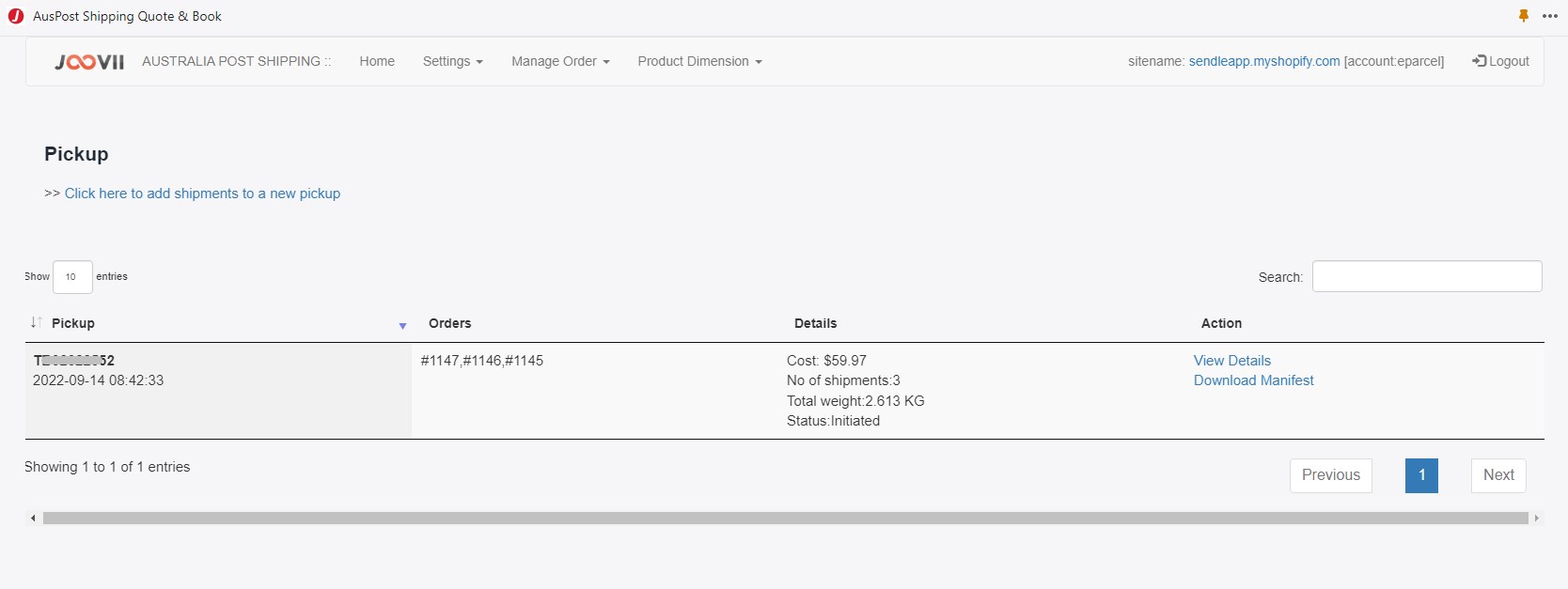
In manage manifest/pickup you can see the list of created eParcel manifest and you can also see the details of that manifest an can download the order summary of that manifest. In create pickup page you can see all the shipments that have not been assigned to any manifests. And you can select any or multiple shipment to create a new manifest. A confirmation of list of shipment will be shown before creating the manifest. Following are some screenshot that will show you how to manage manifest with our app.